
Prevent costly downtime with these essential maintenance tips. A well-maintained printer is a reliable printer.
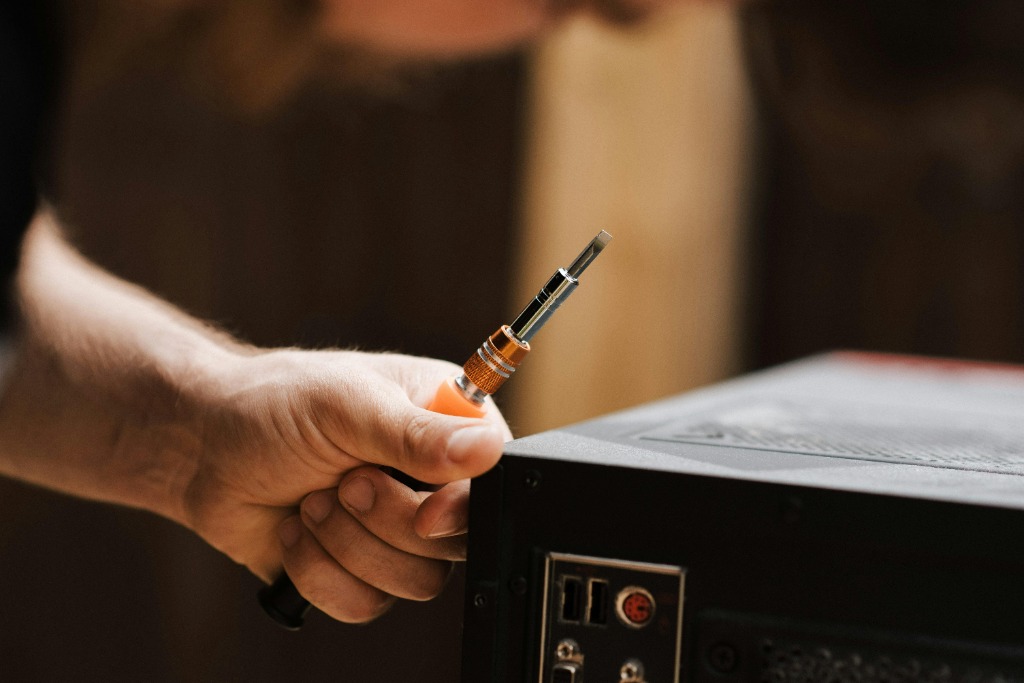
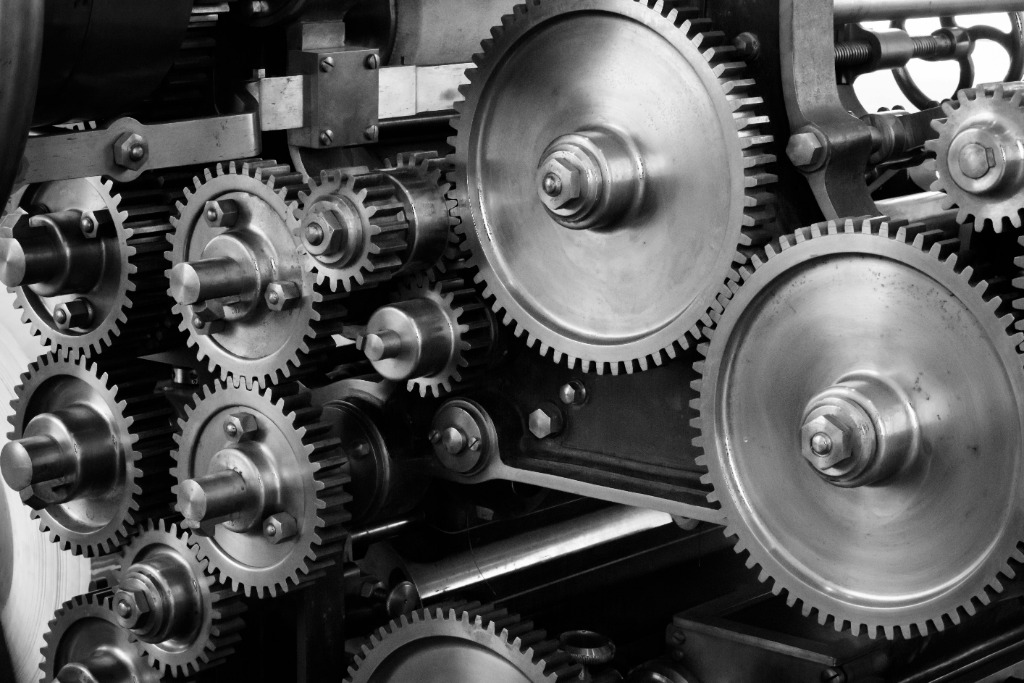
A printer is best viewed not as an electronic device, but as a mechanical one. It is full of gears, belts, rollers, and heating elements that endure significant physical stress every time you hit 'Print.' Like a vehicle, neglecting regular maintenance doesn't just reduce performance; it vastly shortens the operational lifespan of the asset. The majority of service calls we receive could have been prevented with a simple, consistent cleaning schedule.
"The number one cause of hardware failure isn't electronic burnout—it's the accumulation of paper dust and debris destroying the sensors."
Paper dust is abrasive and ubiquitous. Every sheet that passes through the machine leaves a microscopic trail of fibers. Over months, this builds up into a felt-like coating on rubber rollers, causing them to slip and misfeed. It coats optical sensors, leading to false 'Paper Jam' errors.
To combat this, a monthly 'air-out' with canned air (applied carefully) and a wipe-down of the pick-up rollers with isopropyl alcohol is essential. Furthermore, keep your paper dry. Paper is a sponge for humidity. Damp paper curls in the high heat of a laser fuser, causing the dreaded accordion jam. Store reams flat, in a cool, dry cupboard.
Finally, don't ignore the manufacturer's suggested replacement intervals for maintenance kits. Fuser units and transfer belts have a rated life for a reason. Replacing them proactively ensures your print quality remains crisp and prevents a catastrophic breakdown during a critical deadline. Treat your printer with respect, and it will remain a reliable workhorse for years.

About Elena Rostova
Elena is a certified printer service technician with a passion for helping businesses extend the life of their hardware.
View all posts by Elena RostovaRelated News
The Ultimate Guide to Choosing the Right Office Printer in 2026
Navigating the modern office printer market can be overwhelming. This guide breaks down the best options for speed, efficiency, and connectivity in 2026.

Troubleshooting Common Printer Problems
Paper jams? Streaky lines? Connection errors? We cover the most common printer headaches and how to solve them in minutes.
Choosing the Right Paper and Media for Professional Results
Paper is not just a canvas; it's part of the message. Understand weights, finishes, and textures to elevate your print projects.

Leave a Reply
Your email address will not be published. Required fields are marked *